How to Change iPhone Background Color
Customizing the background on your iPhone is an excellent way to inject personal style into your device and keep your home screen lively and engaging. This comprehensive guide will walk you through the simple steps of changing your iPhone’s home screen background color, ensuring you have the knowledge to tailor your phone to reflect your style. Additionally, we’ll dispel common myths and provide answers to frequently asked questions about this personalization process. Finally, we’ll explore intriguing topics like the value of emojis on TikTok Live, giving you insights into both aesthetic customization and social media trends. Let’s dive into the art of personalization and vibrant color expression!
How to Change Your iPhone Home Screen Background Color
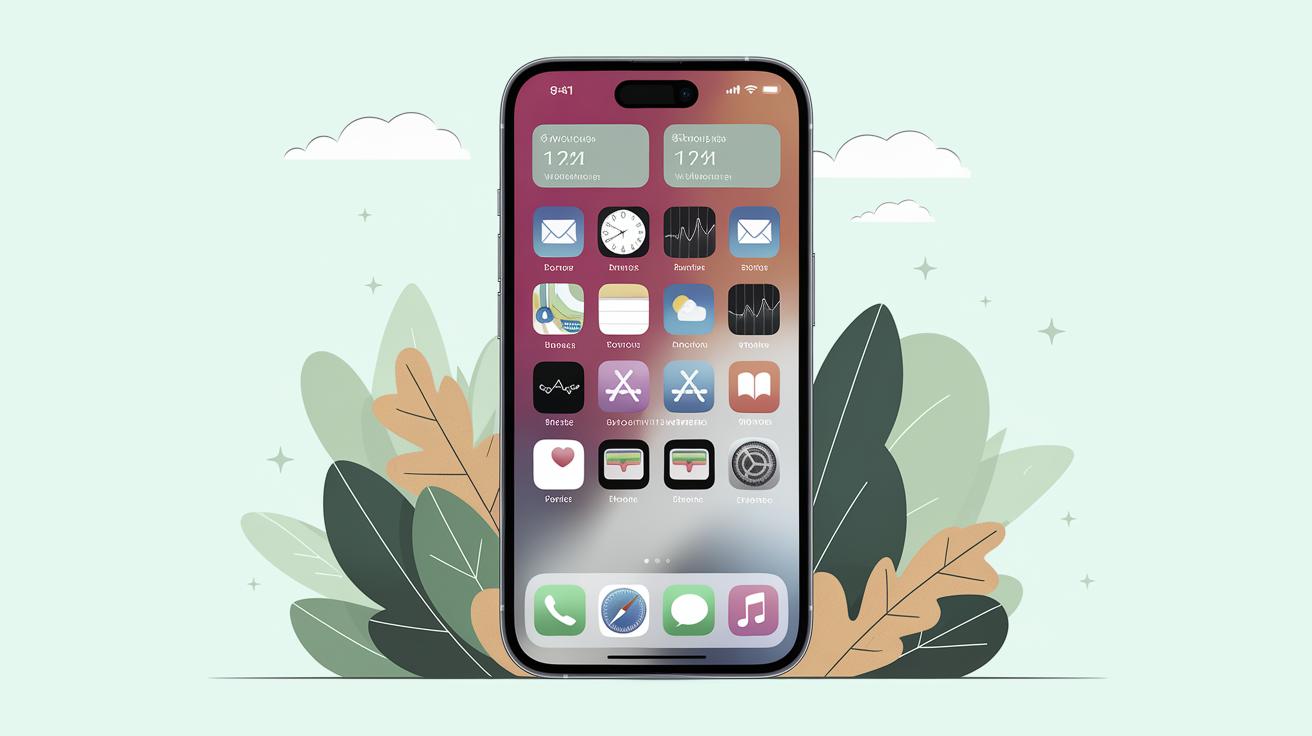
The ability to change your iPhone’s home screen background empowers you to personalize your device to better fit your style. To start with, open the ‘Settings’ app on your iPhone and scroll down to locate ‘Wallpaper.’ Tapping on Wallpaper brings up a menu where you’ll see ‘Choose a New Wallpaper.’ This feature presents a selection of Apple images as well as access to your photo library, allowing you to select a personal image or photo you’ve taken.
After deciding on your desired image, decide whether you want to set it as your lock screen, home screen, or both. The ability to customize each screen independently allows you to enhance functionality—perhaps a serene, calming image for your lock screen and a dynamic or inspirational picture for your home screen.
It’s important to recognize that simplicity often works best for home screen backgrounds, considering it’s often cluttered with app icons. Strive for a balance; pick colors or images that do not clash with or hide app labels. Remember, altering your wallpaper can be done anytime, so you can easily change and adapt as your mood or seasons shift.
The Takeaway
Personalizing your iPhone is a rewarding endeavor. It not only reflects your personal taste but also makes everyday interactions with your device more enjoyable. Whether you’re an individual who delights in natural landscapes, geometric patterns, or minimalist designs, the iPhone offers the flexibility to celebrate your uniqueness.
Moreover, mastering the ins and outs of changing your iPhone wallpaper is an entry point to understanding broader tech customization. Each modification you make, small or large, signifies a progression in tech-savviness and confidence in personalizing technology to fit your needs.
Ultimately, this level of personalization highlights how technology continues to evolve from purely functional gadgets to extensions of individual expression. Connect your creativity with your everyday tech use, and continue exploring ways to refresh and personalize your digital space.
Ultimate Guide: Worth of All Emojis on TikTok Live
For those who frequently participate in TikTok Live, understanding the value of emojis can significantly enhance the experience. Emojis on TikTok aren’t just fun embellishments but also a currency that holds value within the TikTok community. Gifts using emojis can support creators, showing appreciation while pushing content into the spotlight. Each emoji carries a different weight and worth, contributing to how creators engage with their audience.
For instance, gifting a ‘panda’ might seem minor, but multiply that by hundreds from a supportive fan base, and it quickly adds up. A strategically timed emoji gift can elevate engagement levels during live sessions, resulting in higher visibility and possibly attracting more followers.
As you engage more with TikTok, recognizing the importance of these symbols aids in deepening interaction and fostering meaningful connections with communities and creators alike. Understanding emoji worth and usage transforms live interactions into vibrant exchanges of digital currency.
Leave a Reply Cancel reply
The ability for readers to engage and interact is crucial for any online platform. The ‘Leave a Reply’ section not only opens the door for dialogue between the author and readers but also allows for the exchange of ideas and opinions among users. This field should be intuitive, prompting users to share thoughts without any hassle effectively.
Our implemented ‘Cancel reply’ feature ensures that users can backtrack if they’ve begun a comment they decided not to post. It respects user privacy and autonomy, acknowledging the fluid nature of online communication where intentions to post can change swiftly.
Together, these features establish a more interactive and user-friendly platform, encouraging active participation and feedback. This facilitates a community atmosphere that promotes discussion and idea-sharing on any content posted, significantly enhancing the reader’s experience.
Next Steps
| Section | Key Points |
|---|---|
| How to Change Your iPhone Home Screen Background Color |
– Open ‘Settings’ > ‘Wallpaper’ – Choose ‘Set’ for lock, home, or both screens – Keep app visibility in mind when selecting images |
| The Takeaway |
– Personalization enhances device usage – Use wallpaper choices to reflect personal style – Flexibility and creativity in personalization |
| Ultimate Guide: Worth of All Emojis on TikTok Live |
– Emojis as gifts and currency on TikTok – Enhance visibility and engagement – Understand emoji value to foster better interactions |
| Leave a Reply Cancel reply |
– Encourages reader engagement – Features ‘Cancel reply’ for flexibility – Promotes a vibrant community discussion |