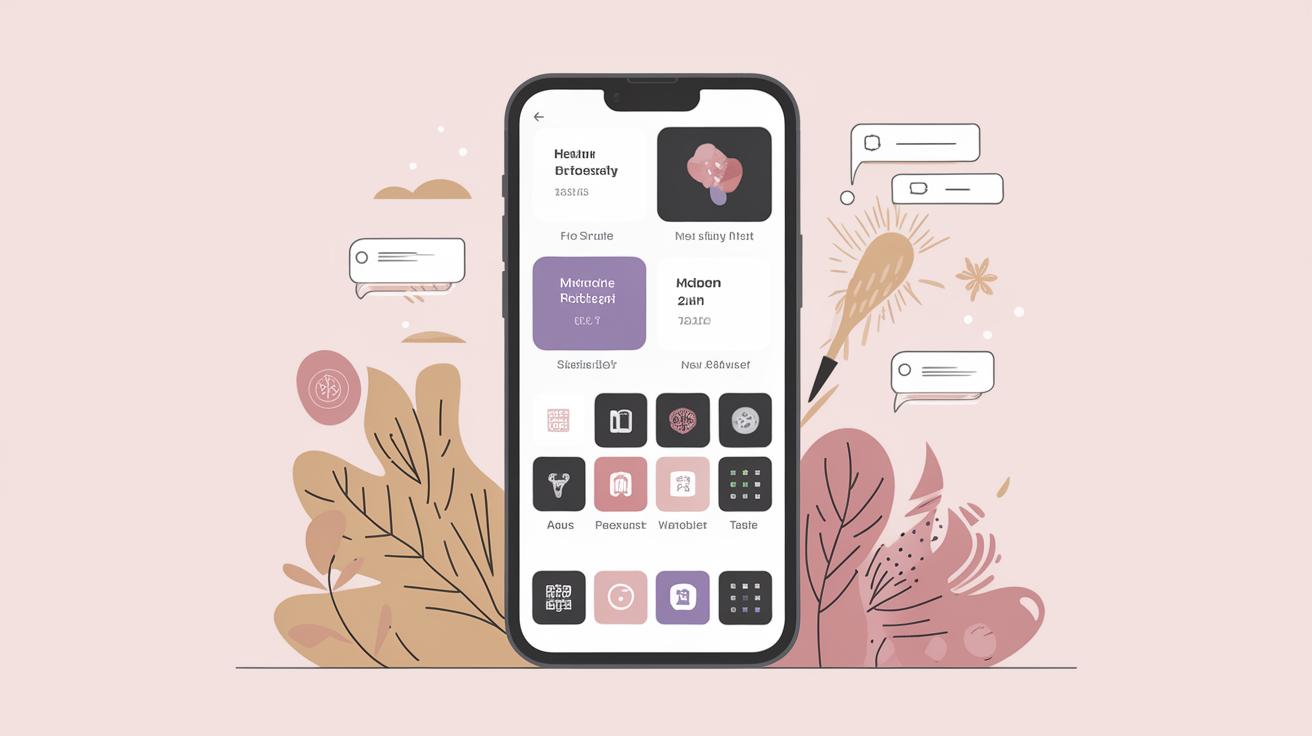
Website Redesign: A Comprehensive Guide
As technology evolves and user expectations grow, the significance of a website redesign becomes more profound. A successful redesign can enhance user experience, boost performance, and align with current market trends. This guide delves into the fundamental aspects of website redesign, starting with understanding what it encompasses, differentiating it from a refresh, and explaining the typical timeline. We will explore each phase of the redesign process, from conducting initial assessments to finalizing and monitoring the redesign. Additionally, we’ll provide a checklist to ensure no aspect of your redesign is overlooked and discuss the role of AI in website redesigns. Whether you’re considering updating your site yourself or seeking professional assistance, this guide offers invaluable insights to ensure a successful transition.
What is a website redesign?
A website redesign involves a comprehensive overhaul of a site’s aesthetics, usability, and sometimes even its core functionality. This process goes beyond superficial changes and aims to improve the overall user experience, enhance performance, and incorporate new technologies or business strategies. Redesigns can be driven by various factors, such as the need to improve outdated interfaces, the desire to boost conversion rates, or the necessity to reflect a rebrand.
In many cases, a redesign aims to solve specific problems, such as high bounce rates or slow page load times, and involves updating the site’s structure or code. Unlike routine maintenance or small updates, a redesign is a strategic project that demands thorough planning and consideration. A successful redesign not only enhances a website’s look and feel but also strengthens its relevance and effectiveness in achieving business objectives.
Website redesign vs. website refresh
While both redesigns and refreshes involve changes to a website, their scopes are vastly different. A website refresh is a more superficial update that involves minor visual changes or content adjustments to keep the site current. This might include updating images, tweaking color schemes, or adding new blog posts without altering the site’s overall layout or structure.
In contrast, a website redesign is a more extensive project that could entail a complete rework of the site’s design, user interface, and user experience. This often involves changing the information architecture, implementing new technological frameworks, and creating a more cohesive branding strategy. Understanding the distinction between a redesign and a refresh is crucial in determining the level of investment and resources required.
How long does a website redesign take?
The time required to redesign a website can vary greatly depending on the project’s complexity, the number of pages, the features to be integrated, and the resources allocated. A small-scale website redesign might be completed within a few weeks, while more extensive projects could take several months.
Factors such as the need for custom development, content creation, stakeholder feedback, and iterative testing can all impact the timeline. It’s essential to plan accordingly and set realistic expectations for both the team involved and the stakeholders. Efficient project management and a clear roadmap can significantly streamline the redesign process, helping to avoid common pitfalls and ensuring timely delivery.
How to redesign a website
01. Determine if it’s time to redesign your website
The decision to redesign a website should be based on clear indicators rather than whims. Consider conducting a thorough analysis of your site’s current performance, including metrics like load times, bounce rates, and conversion rates. If your site is underperforming, shows outdated designs, or fails to meet business objectives, it might be time for a redesign.
Monitoring competitor websites and understanding industry standards can also provide insights into potential improvements. If your website cannot support new marketing goals or fails to accommodate emerging technologies, it becomes evident that redesigning is necessary to maintain competitiveness and relevance.
02. Analyze your current website performance metrics
Analyzing your website’s current performance is a critical step in the redesign process. Utilize tools like Google Analytics to gather data on user behavior, page load times, traffic sources, and other relevant metrics. This information will help you identify areas that need improvement and provide a benchmark to measure progress post-redesign.
Examine user feedback through surveys or test sessions to gain qualitative insights into your site’s usability. Identifying pain points through this data-driven analysis lays a strong foundation for making informed design decisions that will enhance user experience and site performance.
03. Research the competition
Conduct thorough research to understand how your competitors present themselves online. Analyze their website designs, functionalities, content strategies, and user engagement methods. This will help you identify industry trends, benchmark your site against others, and uncover opportunities to differentiate.
While emulating competitors’ successful elements can be beneficial, it’s crucial to innovate and offer unique value propositions to stand out. Your redesign should reflect both your brand identity and the preferences of your target audience, ultimately fostering a distinctive user experience.
04. Understand your market
Understanding your market goes beyond analyzing the competition. It involves gaining insights into your target audience, including their preferences, behavior patterns, and needs. Conduct market research through surveys, focus groups, or customer interviews to gather qualitative data that will inform your redesign strategy.
Your redesign should align with market expectations and trends, ensuring the site remains relevant and appealing to its intended users. Adapting to market shifts and emerging technologies will help capture and retain audience attention and loyalty.
05. Decide whether to DIY or hire an agency
Deciding between a do-it-yourself approach or hiring a professional agency is a crucial consideration. If you have the resources, skills, and time, DIY may be a cost-effective option for smaller projects. However, complex redesigns often benefit from the expertise and efficiency offered by specialized agencies.
Agencies bring experienced designers, developers, and strategists to the table, ensuring that the redesign is handled professionally and adheres to best practices. Consider your budget, project scope, and internal capabilities before making this decision.
06. Set your website redesign goals and create a plan
Setting clear, measurable goals is essential for a successful website redesign. Your objectives should align with your broader business goals, whether that’s improving user engagement, increasing sales, or enhancing brand perception. Goals provide direction and a means to evaluate the redesign’s success.
After defining your goals, create a detailed plan that outlines key milestones, timelines, and responsibilities. This plan will serve as a roadmap, helping to manage resources efficiently and keep the project on track.
07. Define your visual language, branding, and messaging
Establishing a visual language and consistent branding is vital for a cohesive and professional website. Consider your brand’s identity, mission, and values, and reflect these in your site’s design through colors, typography, imagery, and layout.
Your website’s messaging should be clear, engaging, and aligned with your brand voice. Effective storytelling and compelling calls-to-action can significantly enhance user engagement and build stronger connections with your audience.
08. Create a sitemap
A sitemap serves as a blueprint for your new website’s structure, guiding the organization of content and navigation. An effective sitemap enhances user experience by providing intuitive paths through your site, helping users find information easily and improving SEO.
Collaborate with stakeholders to ensure the sitemap reflects both user needs and business objectives. Use tools like wireframes to visualize page layouts and finalize the site structure before development begins.
09. Employ best design practices
Implementing best design practices is essential for creating visually appealing and user-friendly websites. Prioritize a clean, minimalist design that directs users’ attention to key content and features, minimizing distractions and clutter.
Focus on intuitive navigation, responsive design, and accessibility to ensure all users can interact with your site effectively. Conduct usability testing to validate that your design meets user expectations and benchmarks against industry standards.
10. Develop your content strategy
A robust content strategy ensures your website delivers value to its users while achieving business goals. Identify the key types of content that resonate with your audience, be it articles, videos, or interactive elements, and create a plan for production and implementation.
Consistent, high-quality content fosters user engagement, supports SEO efforts, and enhances your brand’s credibility. Leverage analytics to adjust your content strategy dynamically, responding to user behavior and feedback.
11. Mind your SEO
SEO is a cornerstone of website visibility. A well-executed SEO strategy can drive organic traffic and improve rankings. Focus on keyword research, optimizing on-page elements, and improving site speed and mobile-friendliness.
Regularly update and audit your SEO practices to stay aligned with changing search engine algorithms. Implementing SEO best practices should be an ongoing effort, integrated into all aspects of your redesign strategy.
12. Optimize the mobile version of your site
With the majority of users accessing websites via mobile devices, mobile optimization is crucial. Employ responsive design techniques to ensure your site displays optimally on all devices, improving the user experience and supporting SEO.
Test your mobile site across different devices and browsers to identify and fix issues that could hinder the user experience. Fast load times, intuitive navigation, and a streamlined mobile interface are key components of successful mobile optimization.
13. Review and share your website redesign
Once the redesign is complete, conduct a thorough review to ensure all elements align with your initial goals and design specifications. Gather feedback from stakeholders and perhaps a select group of users before the public launch.
Share the redesigned website through various channels, including newsletters, social media, and press releases. Highlight the new features and improvements to engage your audience and encourage them to explore the changes.
14. Monitor performance
Monitoring your website’s performance post-launch is vital to assess the success of your redesign. Use analytics tools to track key performance indicators (KPIs) such as user engagement, conversion rates, and bounce rates, comparing them against pre-redesign metrics.
This data-driven approach will allow you to identify areas for improvement and make informed decisions moving forward. Regularly scheduled performance reviews can facilitate ongoing optimization and consistently enhance user experience.
15. Perform A/B testing
A/B testing is a powerful technique for optimizing your website’s design and content. By creating two variations and testing them with actual users, you can determine which elements perform better and drive the desired outcomes.
Use A/B testing to experiment with different layouts, headlines, call-to-action buttons, and other key elements. The insights gained from these tests can inform further refinements, ensuring your website continuously evolves to meet user expectations and business goals.
Website redesign checklist
Initial planning and analysis
Before diving into the design phase, conduct a comprehensive analysis that covers current website performance, user feedback, and market research. Define your project scope, goals, and the stakeholders involved to create a solid foundation for redesign.
Design and development
During the design and development phase, establish your visual language, create a sitemap, and build wireframes. Use this stage to develop prototypes, gather feedback, and iterate designs until they meet user and business needs.
Technical aspects
Address technical components like SEO implementation, site speed optimization, and mobile friendliness. Test the site for compatibility on different devices and browsers, ensuring a seamless user experience across platforms.
Testing and launch
Conduct thorough testing prior to launch, checking for functionality, design fidelity, and performance metrics. Prepare for the launch by drafting announcements and ensuring all team members are informed of the launch timeline and responsibilities.
Post-launch steps
Post-launch, monitor performance metrics and user feedback diligently. Continue optimizing through regular updates and A/B testing, ensuring your website remains competitive and effective in achieving your business objectives.
What is a website proposal for a redesign?
A website proposal for a redesign outlines the objectives, scope, and resources required for the project. This document acts as a plan for stakeholders and project managers, defining deliverables, timelines, and budgets. A well-crafted proposal sets the stage for successful collaboration among team members and establishes clear expectations.
Using AI for website redesign
AI is becoming increasingly significant in website redesign by offering tools that expedite design processes and improve user experiences. AI can analyze user behavior to offer data-driven insights that guide decision-making and enhance personalization.
From automated A/B testing to content generation, AI can streamline processes and provide creative solutions previously unattainable. Embracing AI technologies allows for more efficient, innovative redesigns that accommodate modern user expectations and industry advancements.
Future Prospects
| Section | Summary |
|---|---|
| What is a website redesign? | An extensive overhaul aimed at improving UX, performance, and alignment with business strategies. |
| Redesign vs. Refresh | Redesigns involve major changes, while refreshes include minor updates to the site. |
| Timeline | Varies by project size and complexity; could be weeks to months. |
| Redesign Steps | Includes performance analysis, competition research, goal setting, design practices, and testing. |
| Checklist | Breakdown of planning, design, technical, and post-launch checkpoints. |
| Website Proposal | Details redesign scope, timeline, and resources required. |
| Using AI | AI tools optimize design processes and enhance user experiences. |