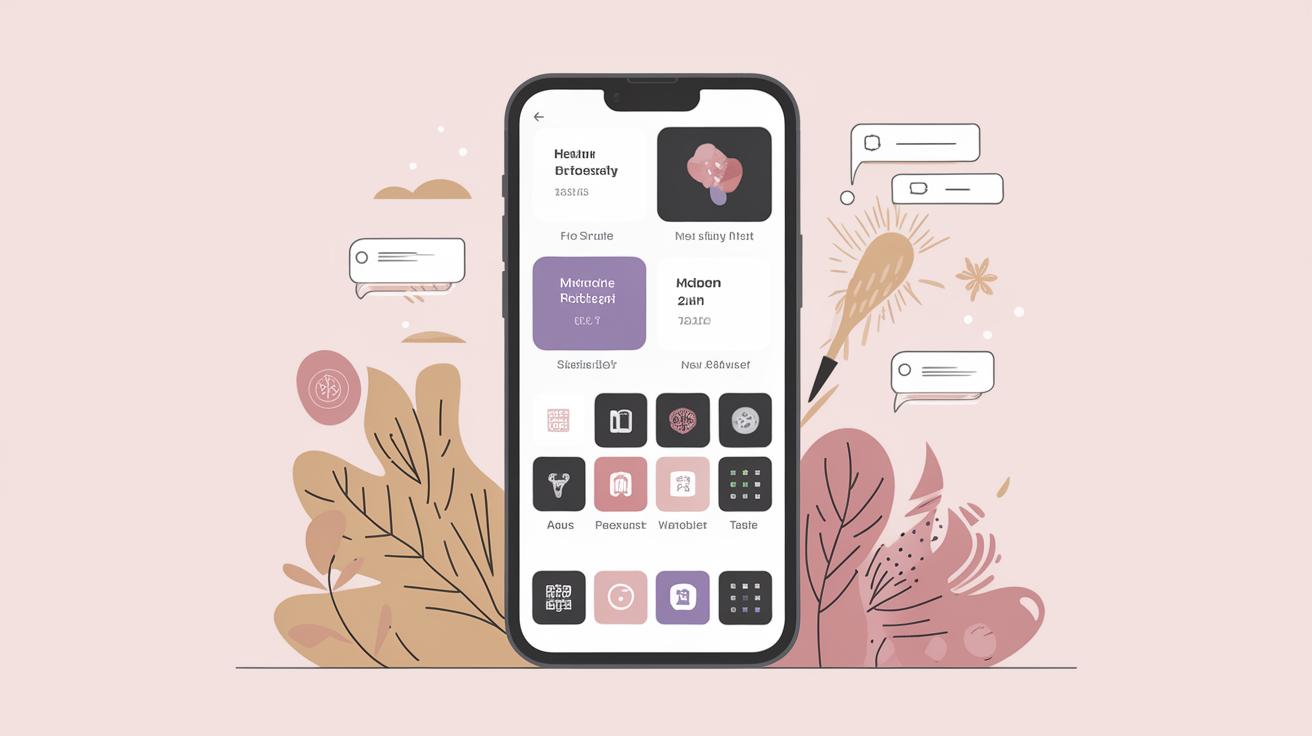
How to Design an iOS App: A Comprehensive Guide
Designing an iOS app is a multifaceted endeavor that requires attention to detail, a focus on user experience, and a thorough understanding of Apple’s design principles. This article will guide you through the essential steps necessary to bring your app idea to fruition. We will explore the importance of ensuring privacy and security, auditing accessibility support, and the nuances of internationalizing and localizing your app. Moreover, we’ll delve into how to optimize performance across all Apple platforms, choose a business model, and more. Whether you’re a beginner or an experienced developer, this guide offers valuable insights to help you design an effective and engaging iOS app.
Distribute Your App
One of the most exciting steps in the app development process is distributing your app to users worldwide. Distribution not only brings your creation to life but also enables users to experience its value. To ensure a successful launch, developers must follow Apple’s guidelines for app submission. This process involves testing the app thoroughly, making sure it adheres to the App Store Review Guidelines, and preparing all necessary assets such as the app icon and screenshots.
Moreover, understanding the App Store’s marketing tools can significantly enhance your app’s visibility upon release. It’s important to craft a compelling app description that highlights its features and benefits. Utilize App Store Connect to manage your app’s presence, gather insights on performance, and engage with users through ratings and reviews. Taking these steps will help ensure a successful distribution of your iOS app.
Prioritize Privacy
As digital privacy continues to be a major concern, it is crucial for developers to prioritize protecting users’ personal information. iOS apps should adopt a privacy-first approach to earn and maintain user trust. Implementing transparent data collection practices, such as providing clear explanations and obtaining explicit consent, is essential.
Additionally, Apple provides various privacy frameworks to help apps handle user data responsibly. Developers should review and adhere to Apple’s User Privacy guidelines, which outline best practices for managing data use and access. By prioritizing privacy, developers can create apps that are both secure and user-centric.
Secure the Data You Collect and Store
Data security is as imperative as privacy and involves protecting your app’s data from unauthorized access and breaches. Developers should use Apple’s security features such as Keychain and Data Protection to store sensitive data securely. Additionally, encrypting network communication with protocols like TLS can safeguard data transmission.
Regular security audits and code reviews can help identify and mitigate vulnerabilities. Implementing security measures during the development process ensures data integrity and fosters user confidence in your app.
Audit Your Accessibility Support
Designing an inclusive app experience means ensuring accessibility for users with disabilities. By auditing your app’s accessibility support, you can identify potential barriers and improve usability for all users. iOS provides tools such as VoiceOver, Switch Control, and Dynamic Type, which help developers create accessible apps.
Conducting accessibility testing with real users provides invaluable insights, highlighting areas that may require adjustments. Making your app accessible is not only a social responsibility but also broadens your app’s reach to a larger audience.
Internationalize and Localize Your App
For apps aiming to reach a global audience, internationalization and localization are critical steps in the development process. Internationalization involves designing your app to support different languages and regions without requiring engineering changes. This means using Unicode for text and adapting date, time, and currency formats based on locale.
Localization goes a step further by translating content and customizing the app’s cultural aspects to meet the needs of specific regions. By supporting multiple languages and cultural nuances, your app can resonate more effectively with users worldwide, increasing its global appeal and potential market share.
Design for Everyone
Designing for everyone means creating an app that is intuitive and accessible for users of all ages and backgrounds. This involves using simple navigation, clear and concise language, and maintaining a consistent interface across different devices. User-centered design principles should guide your app’s development to ensure it meets user needs effectively.
Conducting user research and usability testing can provide valuable feedback on your app’s design and functionality. Incorporating user feedback into the design process ensures your app will be inclusive and user-friendly, enhancing the overall user experience.
Test and Debug Your App Thoroughly
Comprehensive testing and debugging are essential for releasing a robust iOS app. This includes testing across different devices and operating systems to ensure compatibility and performance. Automated testing tools can streamline this process by identifying issues early in the development cycle.
Debugging involves finding and fixing bugs to enhance the app’s stability and user experience. Utilizing tools like Xcode’s debugger and Instruments can help identify memory leaks and performance bottlenecks. A well-tested app reduces the risk of post-launch issues and improves user satisfaction.
Optimize Performance
Performance optimization ensures that your app runs smoothly and efficiently on all devices. This involves optimizing the app’s code, minimizing resource usage, and ensuring quick load times. Leveraging Apple’s performance tools can provide insights into resource consumption and help identify areas for improvement.
Optimizing graphics and animations, reducing the app’s launch time, and managing memory effectively are key to ensuring a high-performing app. Improved performance not only enhances the user experience but also contributes to the app’s success in a highly competitive market.
Reuse SwiftUI Views and UI on All Apple Platforms
SwiftUI enables developers to create coherent UI components that can be reused across various Apple platforms, streamlining the development process. By leveraging SwiftUI’s capabilities, you can maintain consistency in your app’s design and functionality.
Cross-platform compatibility allows you to reach a wider audience by supporting different devices. Reusing SwiftUI views not only reduces development time but also simplifies maintenance and updates across the app’s lifecycle.
Run Your iOS App Unmodified on Macs with Apple Silicon
Apple Silicon brings a new opportunity for developers to expand their app reach by running iOS apps unmodified on Mac devices. This allows users to enjoy a seamless experience and access apps designed for mobile devices on their Macs.
To ensure the best experience on Macs, developers should consider optimizing the user interface for larger screens and different input methods. Adopting dynamic layouts and supporting multi-window features enhance usability while running on Apple Silicon.
Choose a Business Model
Choosing the right business model is crucial for your app’s financial success. Popular models include freemium, subscription, and in-app purchases. Each model has its advantages and potential drawbacks, so it’s important to align your choice with your app’s objectives and target audience.
Conducting market research and competitor analysis can provide insights into which models are most effective in your niche. A well-chosen business model not only generates revenue but also drives user engagement and retention.
Lessons Learned
| Aspect | Details |
|---|---|
| Distribute Your App | Follow App Store guidelines, prepare necessary assets, and utilize marketing tools. |
| Privacy & Security | Prioritize privacy with transparent practices and secure data storage. |
| Accessibility | Use iOS accessibility tools and conduct user testing for inclusivity. |
| Internationalization & Localization | Design for multiple locales and translate app content for global reach. |
| User-Centric Design | Ensure intuitive navigation and usability for diverse users. |
| Testing & Debugging | Conduct thorough testing and debugging with automated tools. |
| Performance Optimization | Optimize resource usage and enable quick load times for app efficiency. |
| Cross-Platform Capability | Utilize SwiftUI for reusable views across Apple platforms. |
| Unmodified Mac Compatibility | Run iOS apps on Mac with Apple Silicon, considering UI adjustments. |
| Business Model | Select a model that aligns with your app’s goals and audience. |